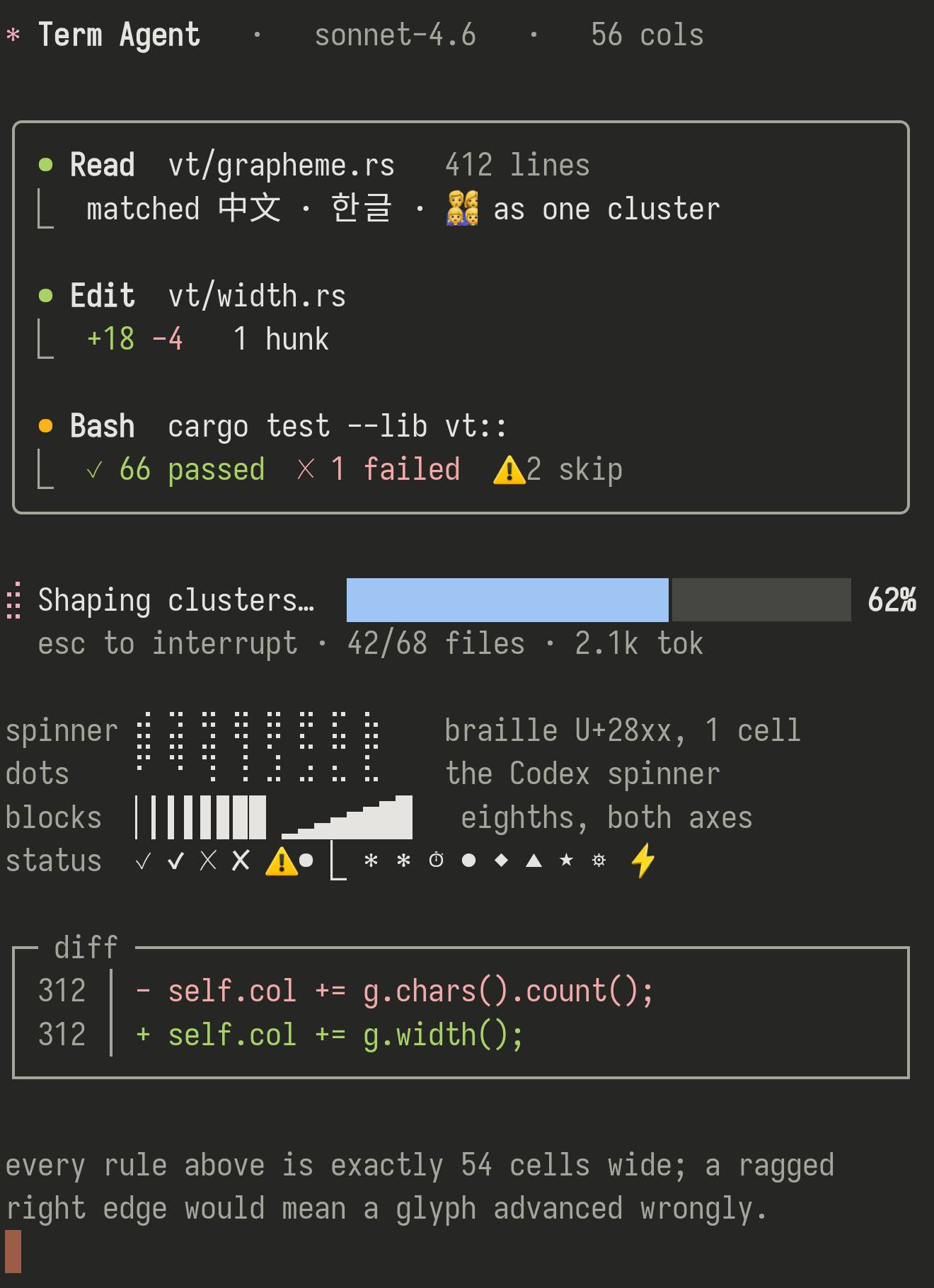
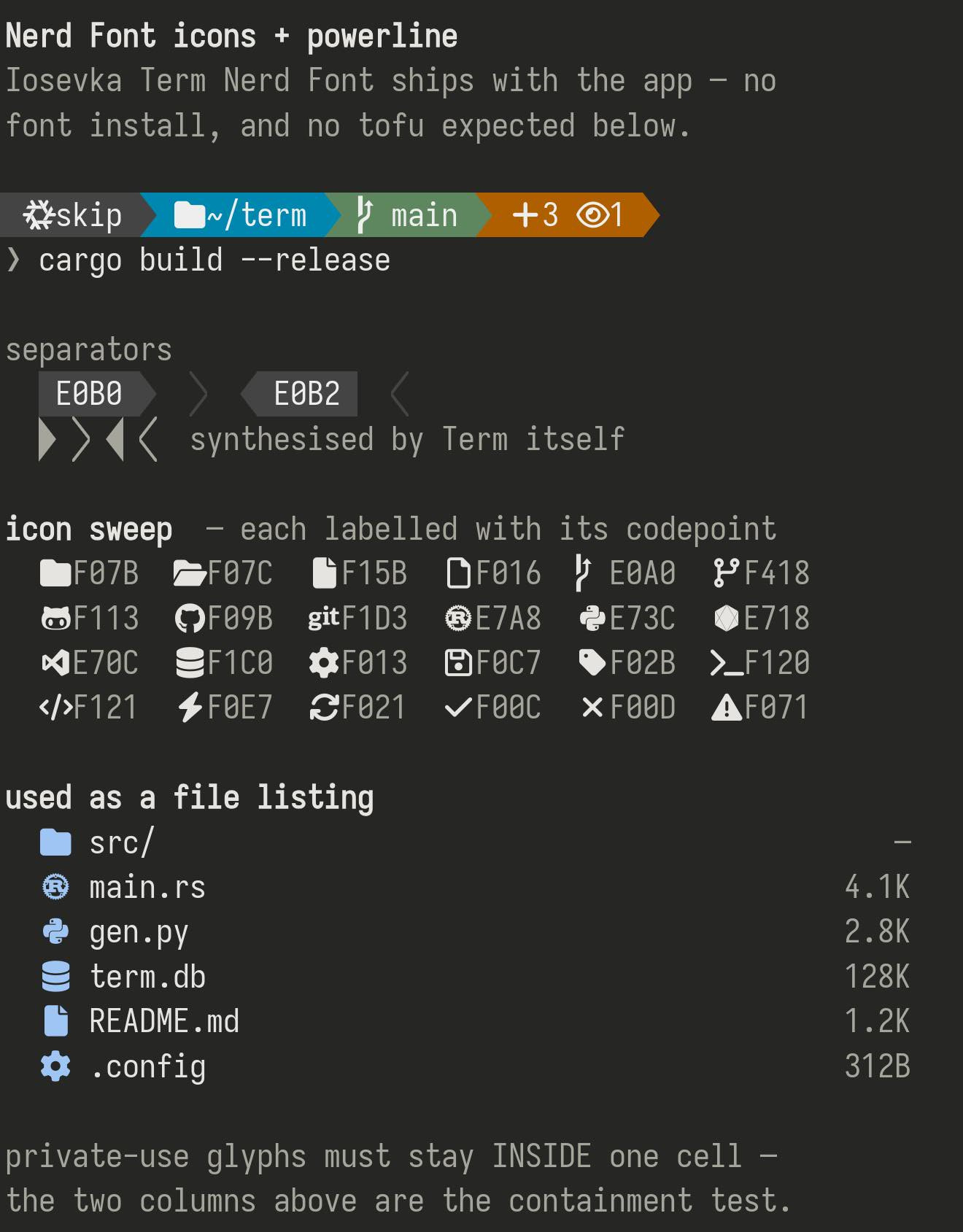
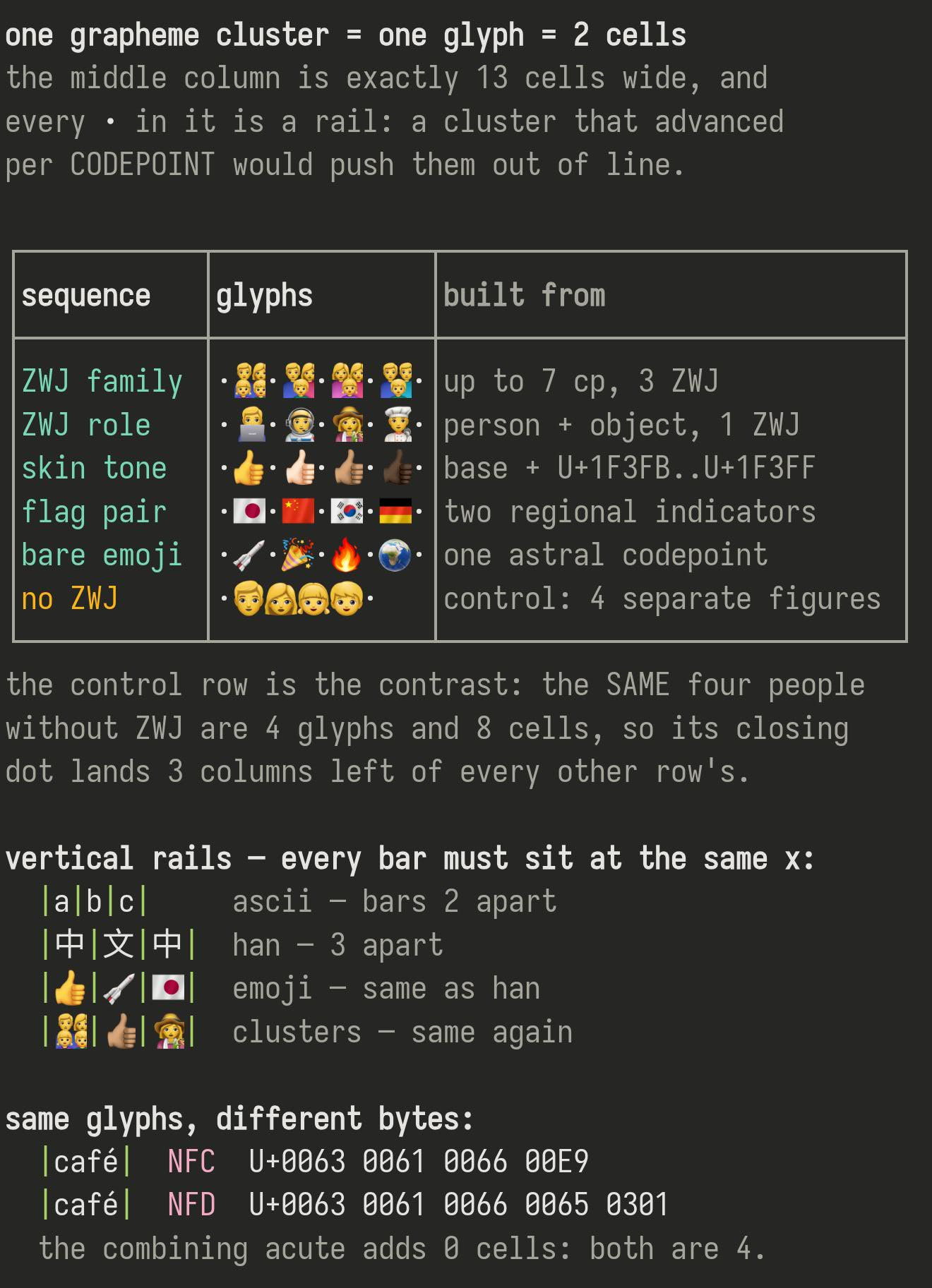
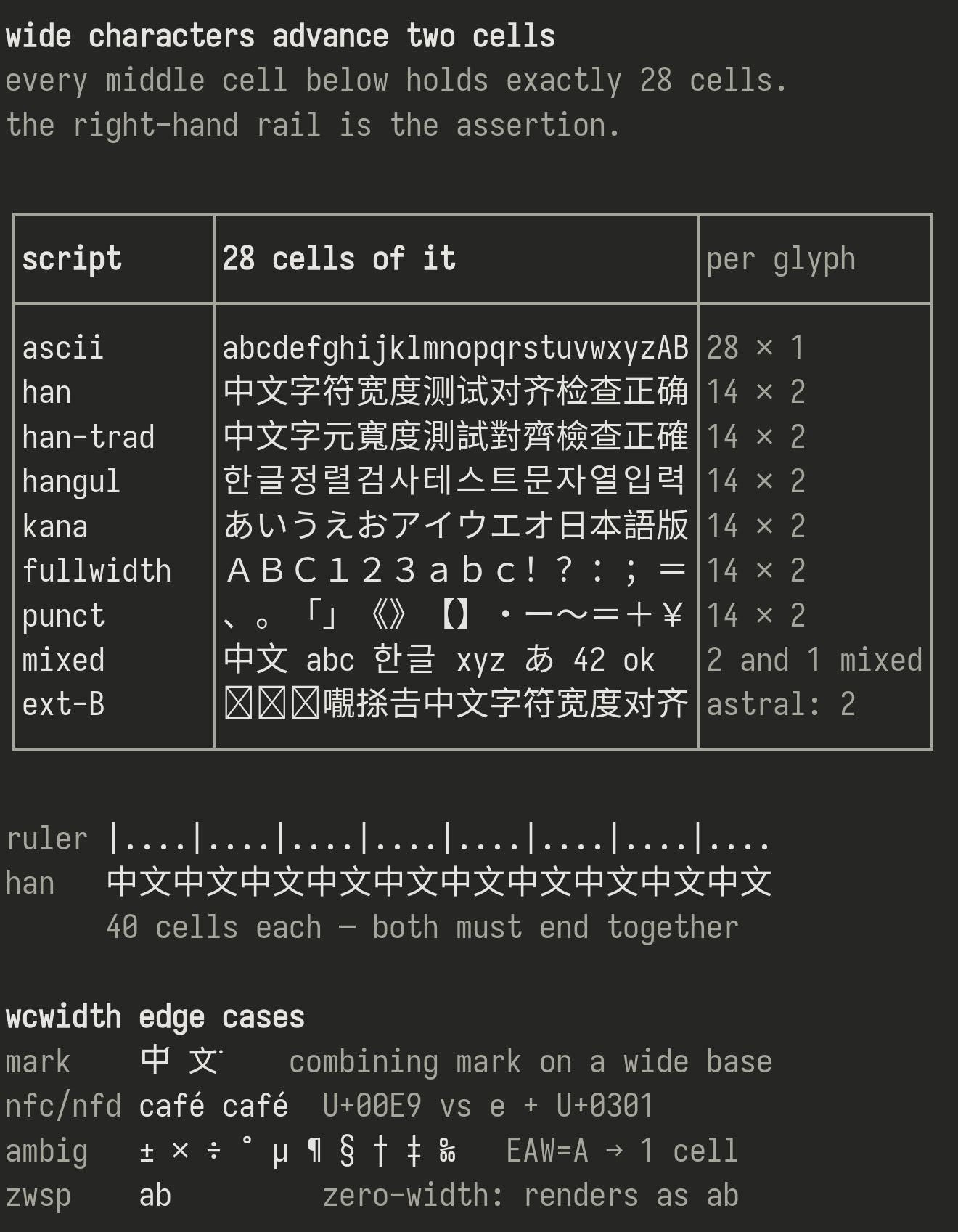
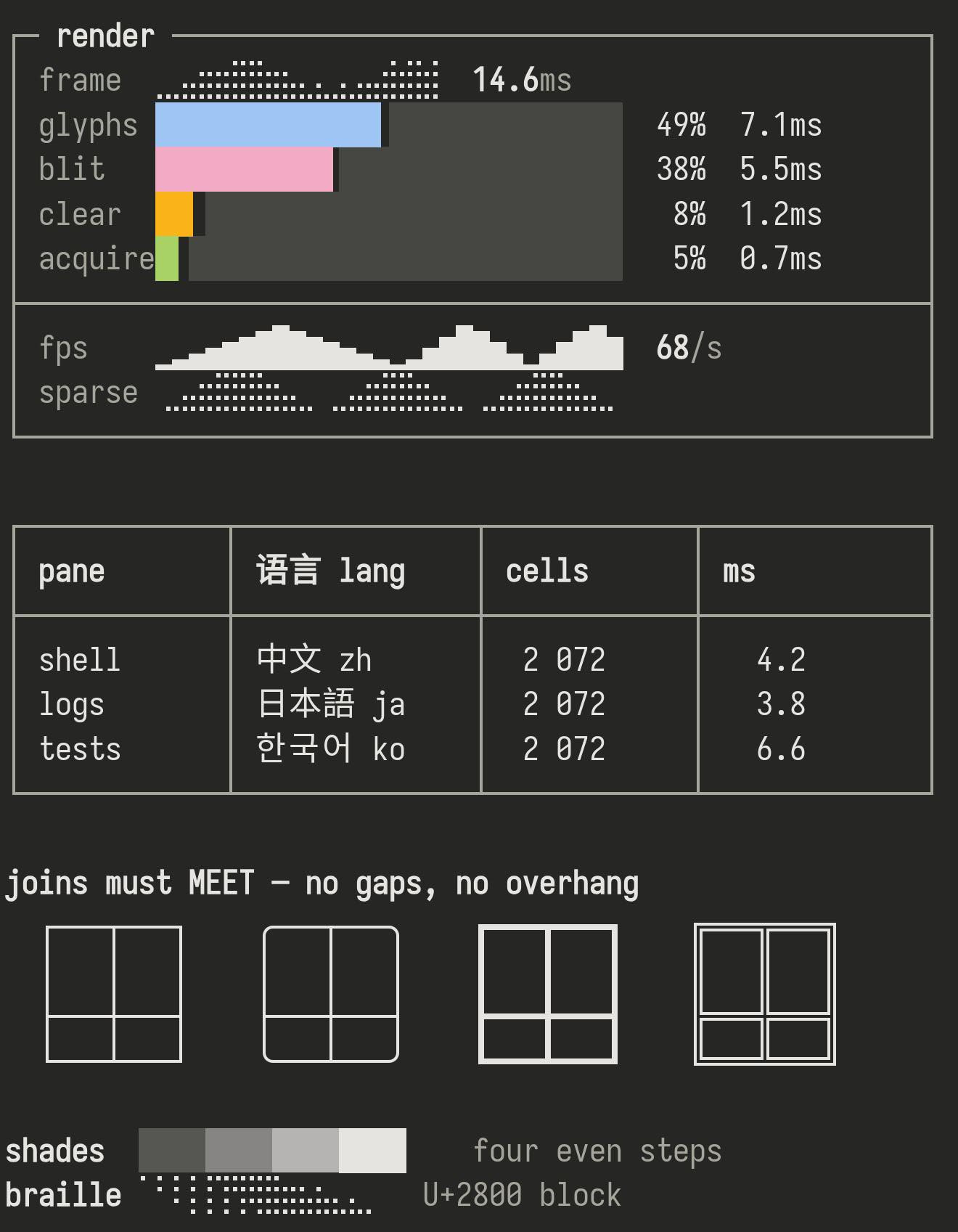
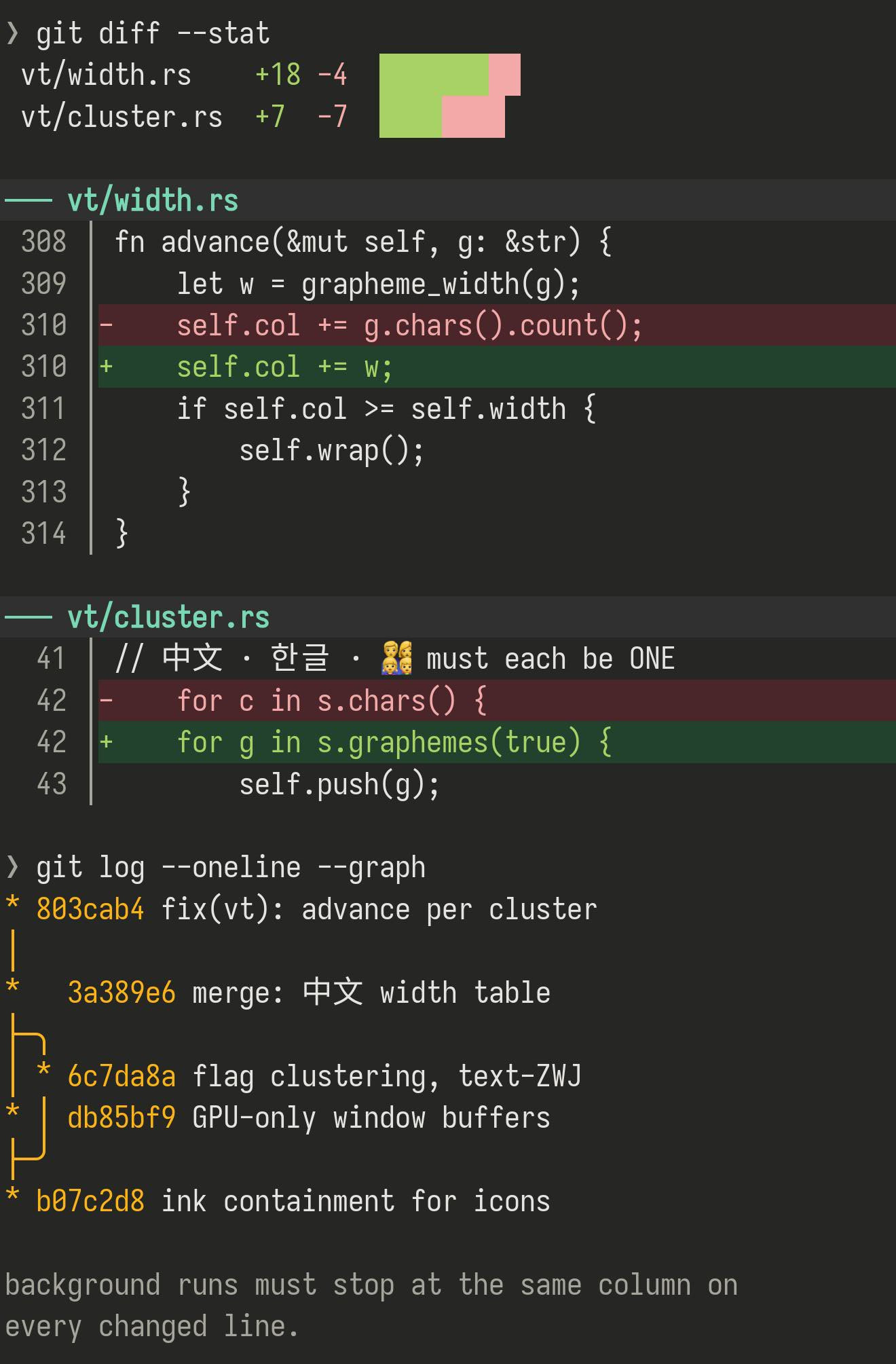
Chinese, Japanese, Korean, emoji, box lines, prompt icons — checked one character at a time on a real phone.
Written · Updated
A terminal is not like an ordinary text box: it places every character into its own fixed-width slot. A Chinese character takes two slots, a letter takes one, and an emoji is sometimes several pieces that have to join into a single picture — a family emoji is four people and some glue. Get any of that wrong and the screen drifts, overlaps, or shows an empty box.
So we did not spot-check a few characters. We laid 1,314 different characters out over 9 screens, connected to a real server with Term, and ran the whole thing on a phone in one go, photographing every screen. That run is the film just below.
A second run on the same phone, in a dark theme — the kinds of screen people actually spend the day in, plus the cases that most often go wrong, up close.
Everything the check covered, and how each came out. The Chinese portion is the characters people actually use most — ranked by how often they appear in Term’s own Chinese interface — plus a sample spread across the rarer ranges.
| What | Characters | Result | Notes |
|---|---|---|---|
| Chinese — everyday characters | 503 | good | Two slots wide, and stays lined up with English |
| Box lines and frames | 128 | good | Drawn by Term itself, so it looks identical in every font |
| Braille dots | 64 | good | Crisp dots — used by spinners and progress meters |
| Cyrillic | 64 | good | Right shapes, right spacing |
| Greek | 57 | good | Right shapes, right spacing |
| Emoji | 49 | good | In colour, two slots wide, never crowding its neighbour |
| Japanese kana | 34 | good | Right shapes, right spacing |
| Blocks and progress bars | 32 | good | Drawn by Term itself, so it looks identical in every font |
| Full-width letters and numbers | 26 | good | Two slots wide, as they should be |
| Arrows, ticks and symbols | 22 | good | Including the marks AI tools like Claude Code draw |
| Korean | 16 | good | Right shapes, right spacing |
| Chinese — less common | 16 | good | Right shapes, right spacing |
| Chinese and Japanese punctuation | 15 | good | Right shapes, right spacing |
| Arabic and Hebrew | 12 | good | Correct letter shapes and joins |
| Prompt icons (Nerd Fonts) | 7 | good | The icons a powerline-style prompt uses |
| Accents and marks | 6 | good | Joined onto the letter, sharing one slot |
| Plain and colour versions of a symbol | 2 | good | Both the plain and the colour version |
| Very rare Chinese characters | 5 | see below | No font we can reach has a design for these |
1,314 characters · 18 kinds · 9 screens, all from the same run.
Two things, better said than hidden.
There is a set of extremely rare characters — mostly from classical texts and unusual personal names — that no font on the device has ever drawn. They appear as a blank or a box. The position is still correct: the cursor and line breaks behave normally, there is simply no design to show. This is not something Term can fix alone; it needs a font on the device that covers them.
The letter shapes and joins are correct, but a terminal fills its slots in the order the program sends them and does not reverse a whole line. Every terminal works this way — whether to reverse it is up to the program running on the server.
The script behind this check needs Python 3 and nothing else. Paste the two lines below into a shell on any host of your own — they pull it straight down onto the server, so nothing has to travel through your phone — and see how the same pages look in the font and colours you actually use.
# pull it onto your server and run the whole thing curl -O https://term.const.net/render/unimatrix.py -O https://term.const.net/render/cjk_top.txt python3 unimatrix.py # or just one screen (here, the joined emoji) python3 unimatrix.py 7
References: the character list