Force-closed, swiped away, crashed, phone rebooted — open Term again and your mosh sessions come back on their own.
Available in Term v26.0.22 and later.
Written ·Updated
Which half actually died
A phone is not a server. To save power HarmonyOS suspends an app that stays in the background too long, and under memory pressure it simply ends it. Swipe it out of recents yourself, hit a crash, reboot the phone — same outcome: the process is gone.
For mosh, though, only the client half is gone. mosh-server is still running on the host with your shell, your running programs, your working directory and the variable you exported a minute ago all exactly as you left them — and nothing left that knows how to reach them. That used to be a real loss: sign in again, cd again, start over, and leave one more unclaimed mosh-server behind on the host.
Now it comes back by itself
Get killed with live mosh sessions and the next launch of Term reattaches to them: no SSH sign-in, no new mosh-server — what comes back is the shell you already had. From the server’s side it looks no different from moving between Wi-Fi and cellular, which mosh has always taken in its stride.
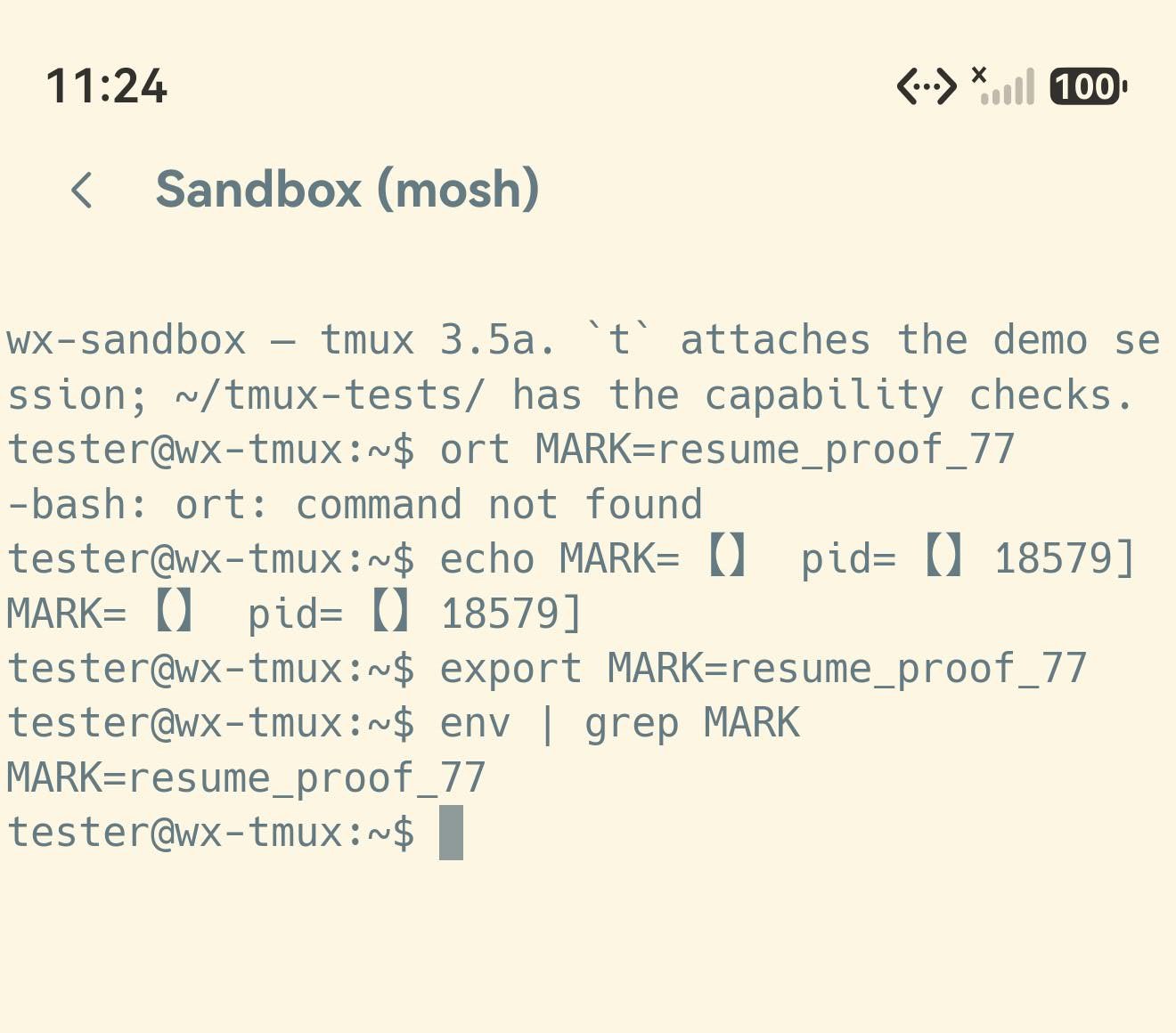
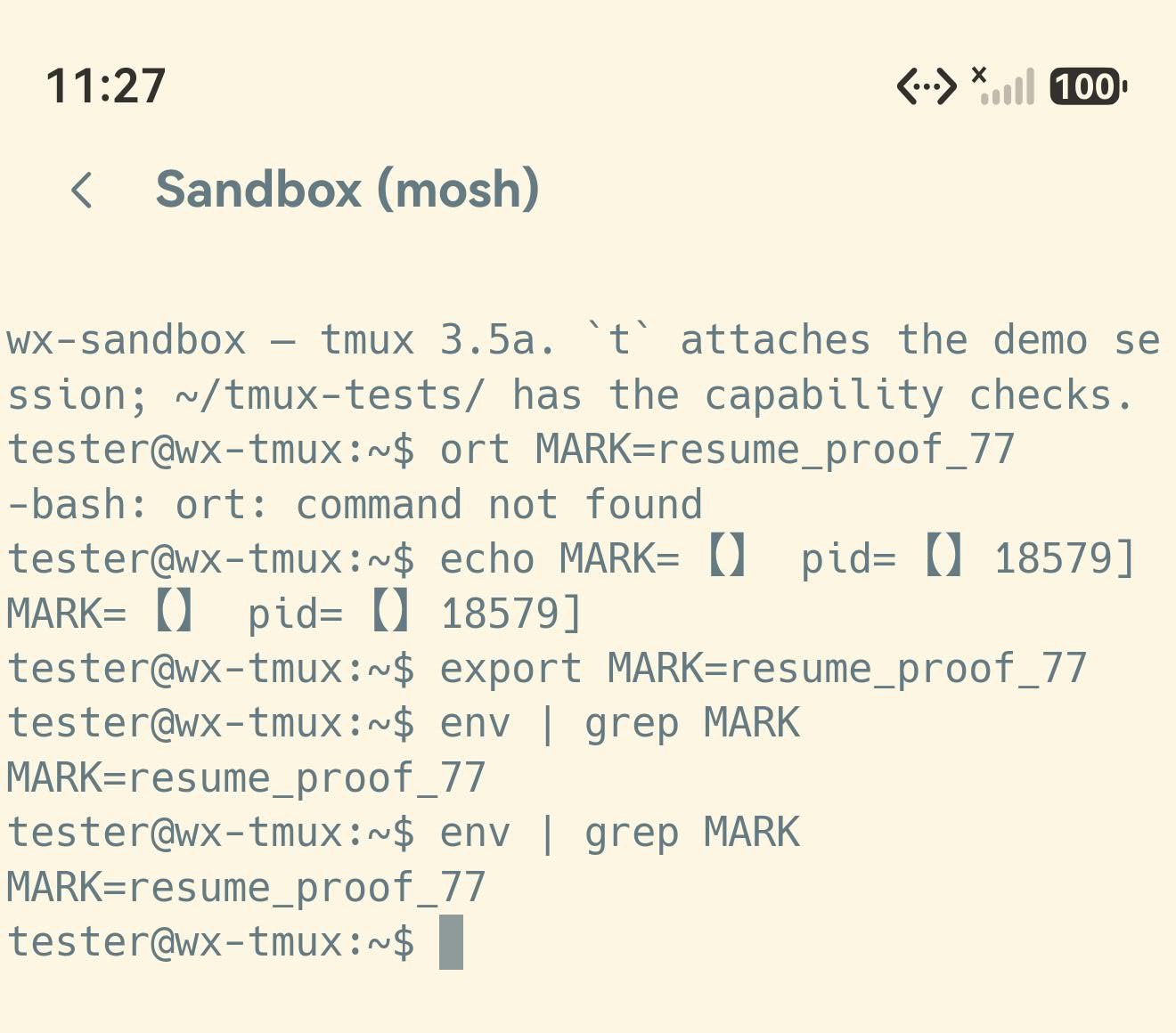
The two shots below are that, on a real phone. Before the kill the session ran export MARK=resume_proof_77 — a variable no freshly started shell could have. Force-close the app, open it again, run env | grep MARK once more: still there. Same shell, not a quiet reconnect.
before the kill · 11:24Before the kill — MARK=resume_proof_77 is set in the session and env | grep MARK knows it. The app was force-closed right after this.after the resume · 11:27After the resume — the app reopened three minutes later, the screen repainted in full with every line of history, and env | grep MARK still answers resume_proof_77. Same shell, same process.
The few seconds it takes
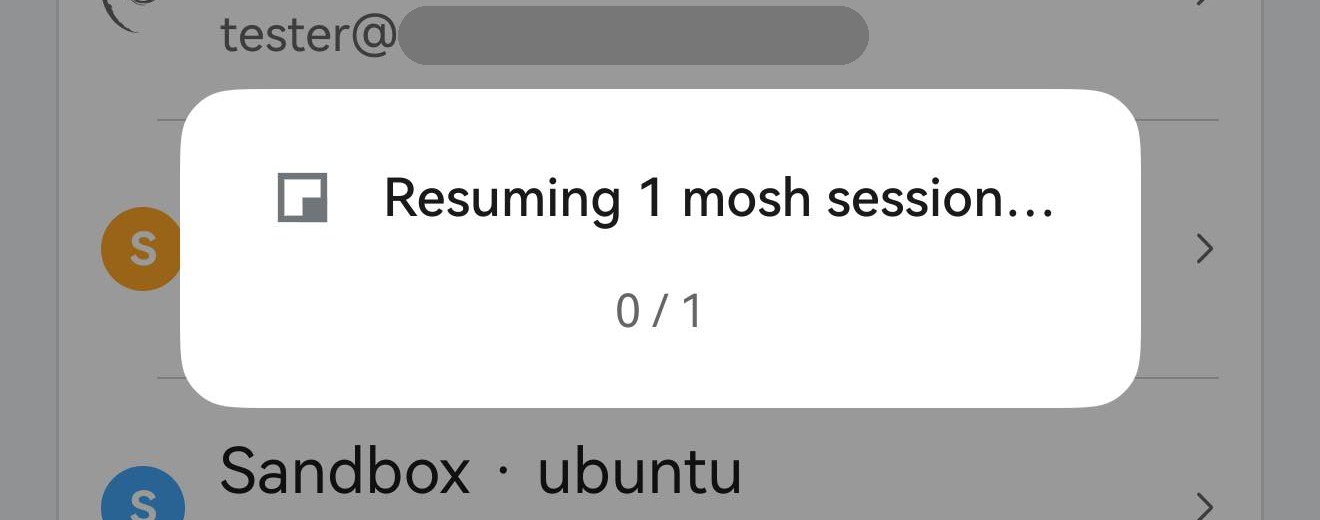
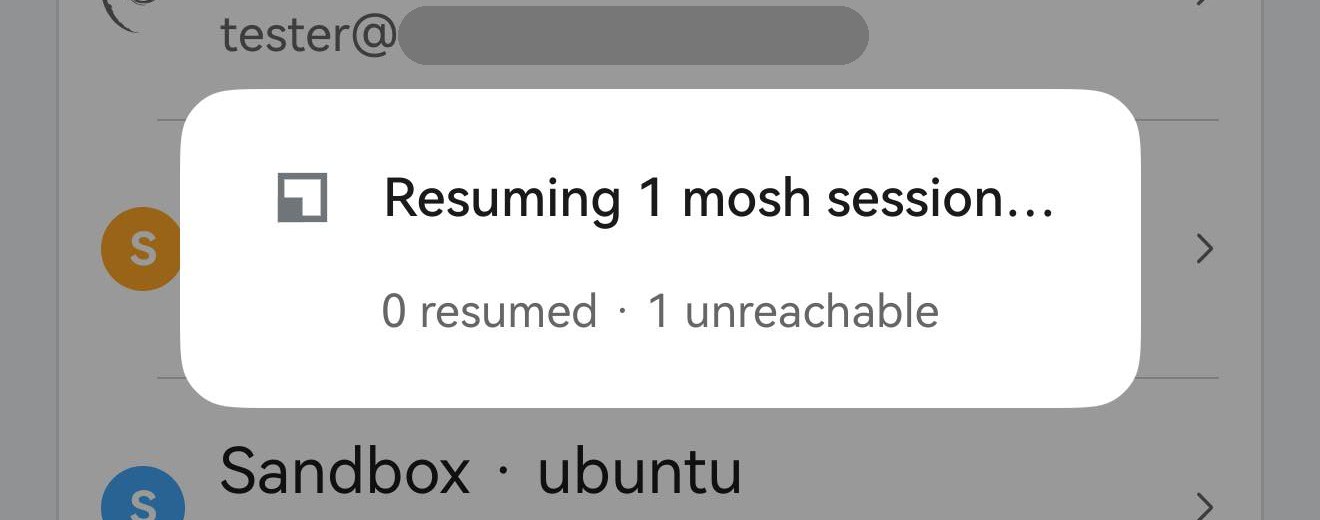
If there is anything to bring back, the launch opens with a small modal: the app’s own spinner, «Resuming N sessions…», and a done / total count underneath. They all come back together rather than one after another. When they are done the modal closes itself and you land on the tabs you had.
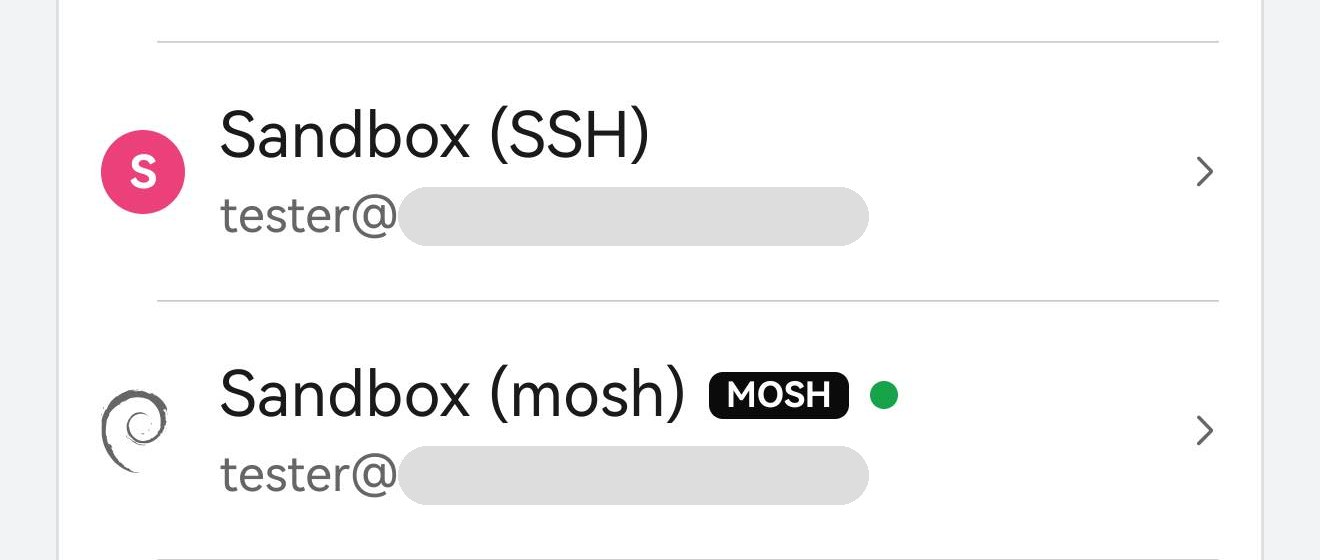
At launch — the modal while the resume runs, with the rest of the app still visible behind it. It closes itself; there is nothing to tap.Once it is back — the mosh host lights its green dot again in the Hosts list: the session is live and the tab is back with it.
When the server is gone
Coming back is not guaranteed. The host may have rebooted, someone may have killed the mosh-server, or it may have reached the Mosh session timeout and reaped itself.
Term tries for about five seconds and then says so in the same modal — N resumed · M unreachable — holding it for a beat before it closes. It only asks once: a session it could not reach is not raised again on the next launch.
How long the server is willing to wait for you is Settings → Terminal → Mosh session timeout: 1 day through 1 month, 1 week by default, or Never. A longer wait means a session is more likely to still be there when you come back days later; a shorter one keeps a shared host tidy.
Nothing on the other end — after about five seconds the modal says so plainly and then closes itself. That session will not be raised again.
None of this changes an orderly exit. Close a mosh tab and Term ends the session on the server — falling back to a quick SSH clean-up if that does not land — so no orphan mosh-servers pile up on the host, and there is nothing left to resume next launch.
It never leaves your phone
What Term needs in order to reconnect stays on your phone and nowhere else — no cloud, no sync, no third party. It is kept alongside your hosts and private keys, in the same place and with the same protection: encrypted at rest, and unreadable until the phone has been unlocked at least once since it booted. It is deleted the moment the session ends.
What comes back is the screen, not the scrollback
Same as mosh always is: the protocol carries the current screen rather than a byte stream, so after a resume you have exactly the scrollback a mosh session ever has. For real history, run tmux on the server — and tmux new -A -s main as the mosh init script is the combination that needs the least thinking about.