A URL printed in the terminal is tappable, whether or not the program that printed it said so. Term shows you the target first, then opens it without leaving the app.
Available in Term v26.1.6 and later.
Written
Tap, look, then open
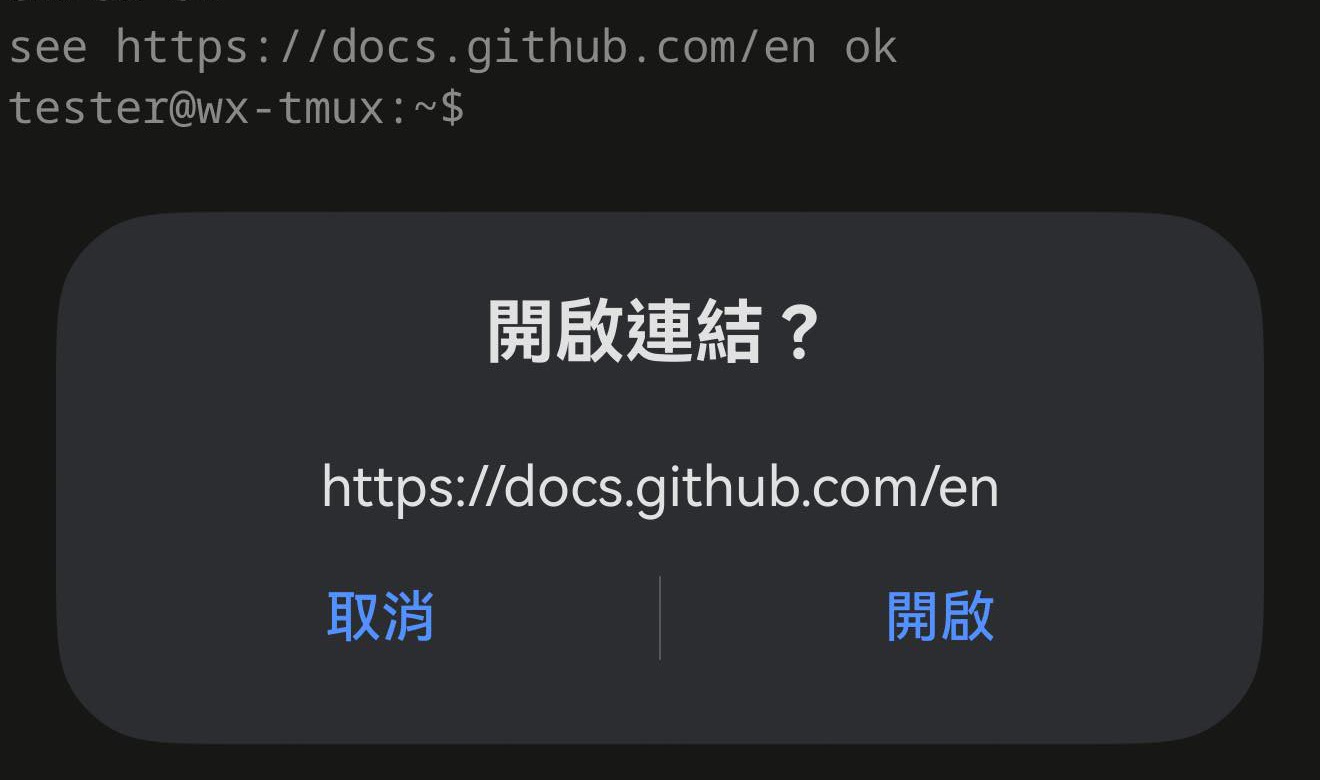
Tap a URL anywhere on screen and Term asks first, showing the whole address it is about to open. Nothing is fetched until you agree.
That step is not friction for its own sake. The text on your screen came from the far end, and a remote you do not fully trust can print anything it likes — so the one thing worth guaranteeing is that you see the real target before a request goes anywhere.
The line on screen reads see https://docs.github.com/en ok; the dialog offers exactly the URL. The words around it are not part of the link — see the last section.
It does not have to be a real hyperlink
A terminal program can mark text as a link (the escape sequence is called OSC 8), and when one does, Term opens the target it declared — which may differ from the text you see. But almost nothing does: an echo, a compiler error, a git remote, a line pasted from somewhere else are all just characters. Term finds those too.
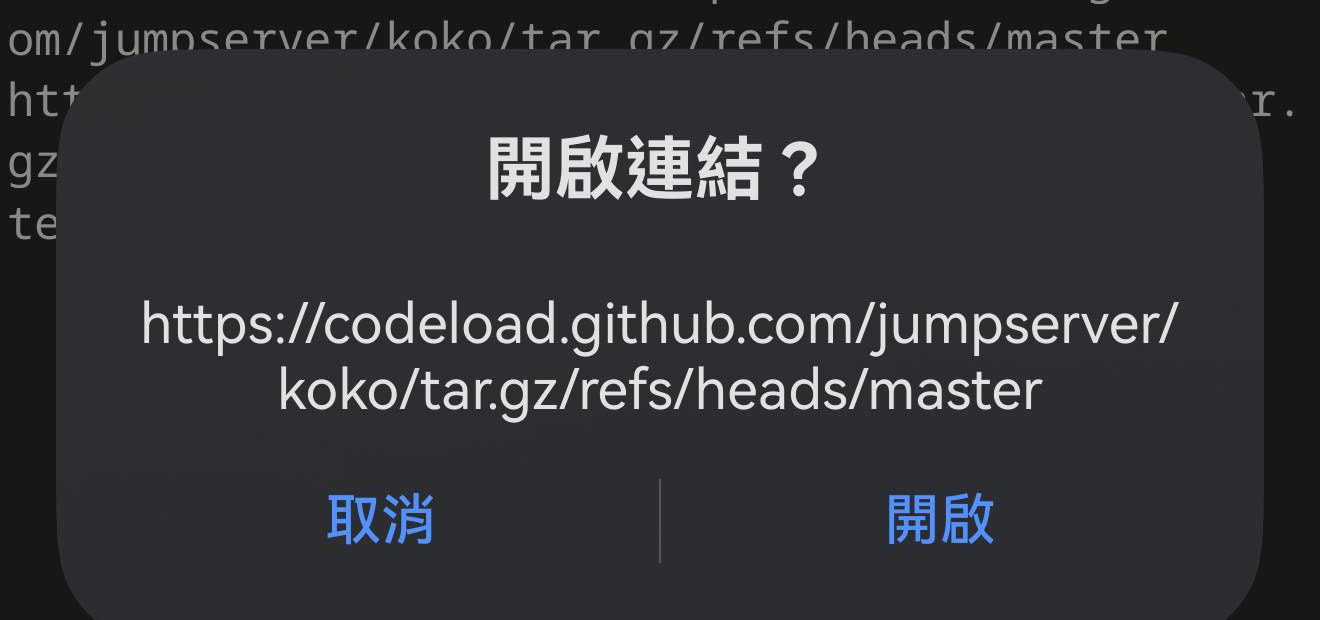
Including when the URL is too long for the width and wraps onto the next line. Tapping either half opens the whole address.
On screen this address is broken after tar.; the dialog has it whole.
It opens inside Term
Links open in Term’s own browser rather than handing you to another app — and that is about your session, not about keeping you here. Leaving Term backgrounds it, and a backgrounded app holds an SSH session for well under a minute. Reading a page should not cost you the shell you were working in.
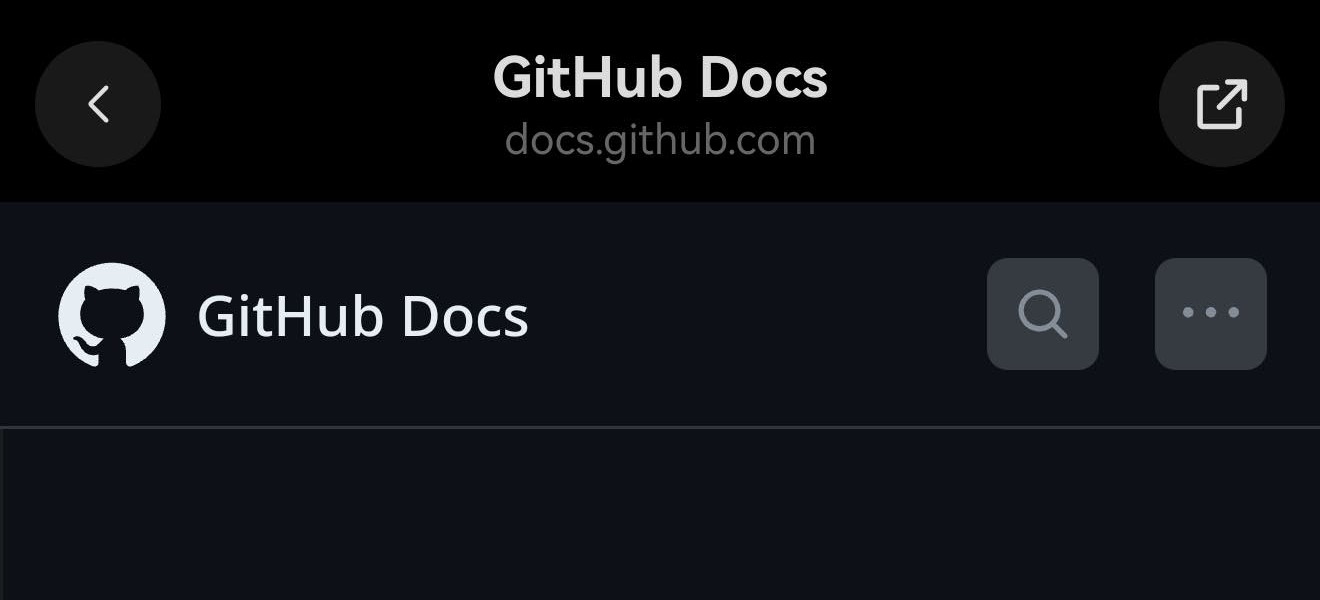
The bar names the site you are on. For our own pages it says const.net with a blue seal; for anywhere else it shows the full host, subdomain included, because that is the part that tells you who you are really talking to. The button on the right hands the page to your system browser whenever you want it there instead.
A third-party page: the full host, no seal. Your session is still running behind it.
When the link is a download
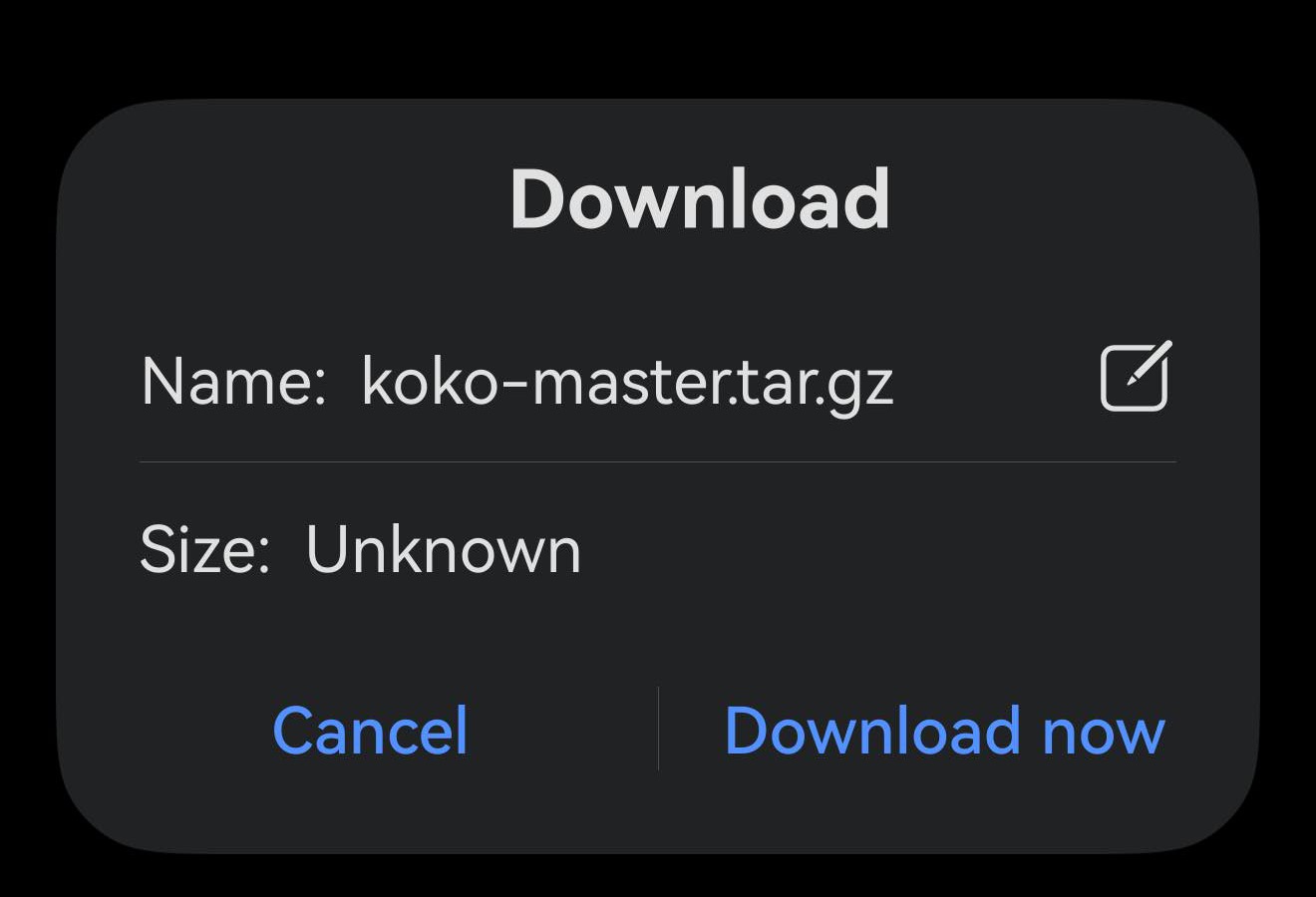
Plenty of links are files — a release tarball, a .deb, a PDF. Term has nowhere to put those, so instead of opening a page that never appears, it passes the download to your system browser, which has a download manager, and steps back out of the way.
It waits for the server to say so rather than guessing from the address, which is the only way to get this right: the tarball below lives at a path containing tar.gz in the middle and nothing at the end, and plenty of ordinary pages end in something that looks like a file.
Handed off, named and ready — instead of a blank page in the app.
The exception is a page reached through a port forward, which only exists inside the app — no other browser could load it. There Term says the link is a download and stays where it is, rather than handing off something that would quietly fail.
What is not treated as a link
The punctuation of the sentence around a URL is not part of it. A full stop after an address is left behind, and a bracket is only kept when its opening partner is inside the address — so (https://x.dev/a) opens the URL, while https://x.dev/a(b) keeps its own brackets.
And a bare hostname is not a link: www.example.com or example.com do nothing. That is deliberate. Prose is full of dots, and a tap that opens the wrong thing is worse than a tap that does nothing — anything you can copy and paste has its https:// anyway.