Captures
The corpus is coloured ANSI-SGR mixed with Chinese, Korean and ASCII, written to the session’s TTY by the benchmark script — no need to touch the phone.
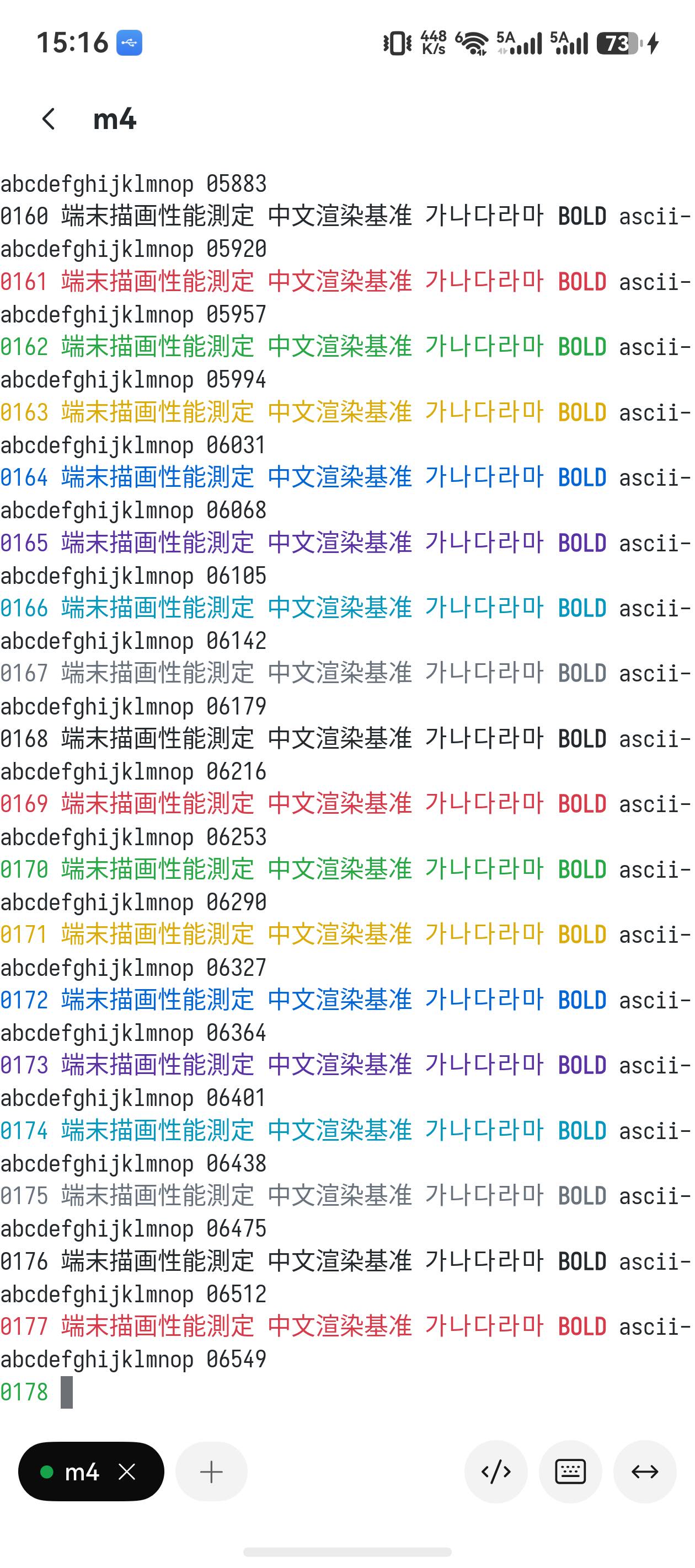
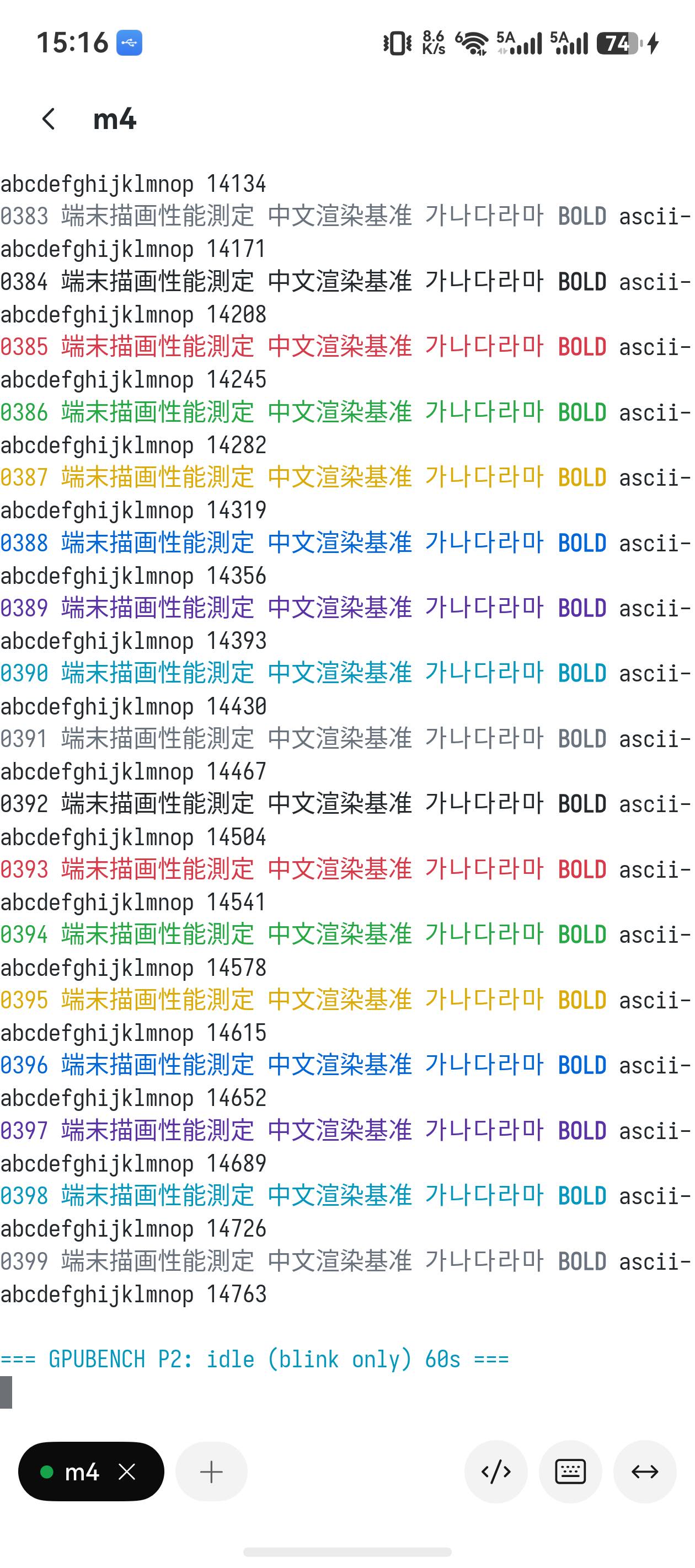
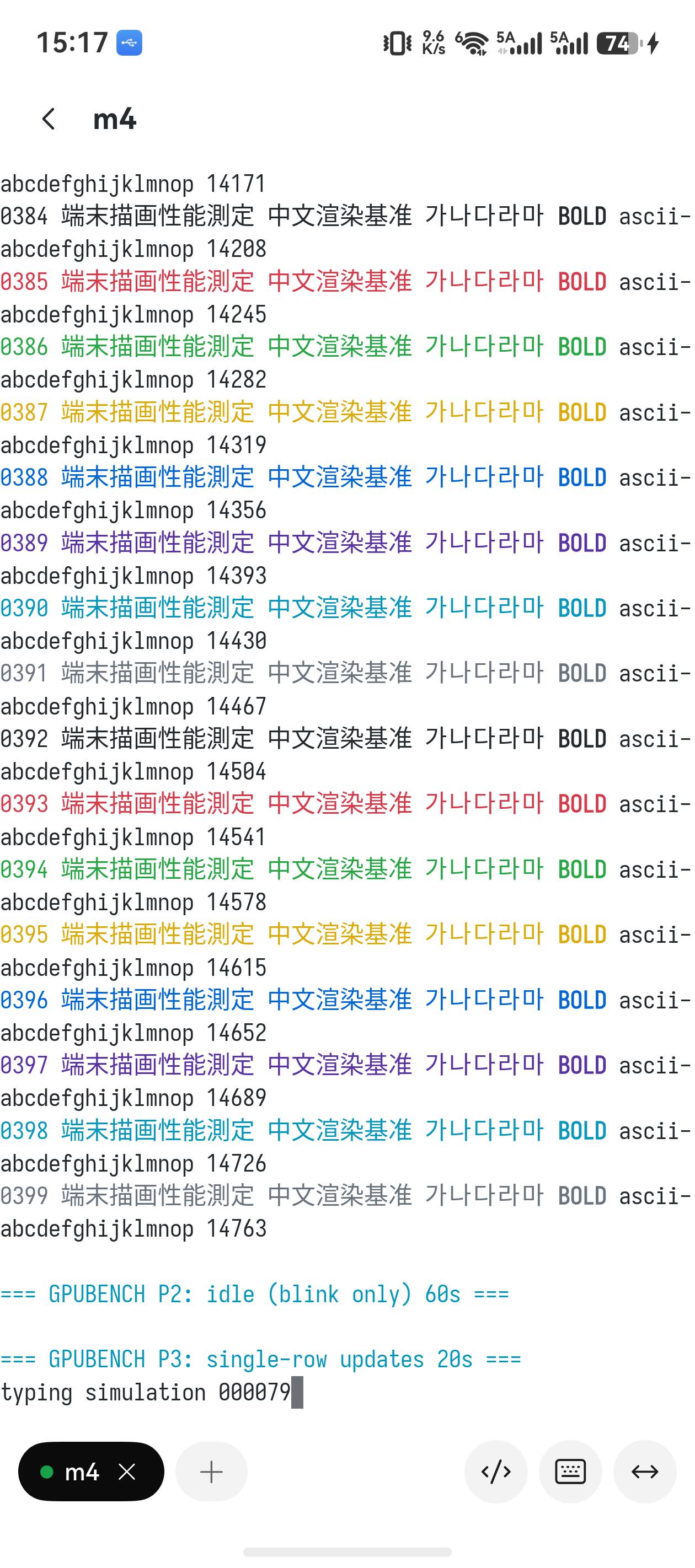
Term’s terminal rendering moved to an EGL/GLES3 instanced renderer — here is the method, the data and the captures, measured on real hardware.
Written · Updated
Same device (a Huawei Pura 70), same corpus, A/B against the CPU baseline using the built-in Log frame stats developer switch.
| Workload | CPU path | GPU path | Speed-up |
|---|---|---|---|
| Full-screen scroll (firehose) | 14.6 ms · 68 fps | 5.3 ms · 188 fps | 2.7× |
| Slow scroll (~5 rows/frame) | 12.8 ms · 76 fps | 6.0 ms · 167 fps | 2.1× |
GPU frame time is almost independent of how much scrolled — every frame is a full redraw, and that is cheap for a GPU. The CPU path’s sensitivity to the number of scrolled rows simply disappears.
About 1000 instanced quads per frame. Glyphs are rasterised into a texture atlas once, and every later frame only re-emits mesh instances.
| Stage | Average | What it does |
|---|---|---|
| build | 2.15 ms | CPU side: walk the grid → instance quads + rasterise new glyphs into the atlas + upload |
| draw | 0.22 ms | GL instanced draw |
| swap | 2.95 ms | eglSwapBuffers (present) |
| Frame total | 5.32 ms | ≈ 188 fps |
Two 14 MB memory shuffles are gone: no more scroll-shifting the shadow bitmap (~6 ms) and no more copy into the dmabuf (~5.6 ms) — that ~11 ms is the entire saving. The GPU rasterises in place, straight onto the EGL surface.
The corpus is coloured ANSI-SGR mixed with Chinese, Korean and ASCII, written to the session’s TTY by the benchmark script — no need to touch the phone.
The script automates all three phases (firehose scroll / idle blink / single-row update) by writing to the TTY of a session on the remote host — zero interaction on the phone.
#!/bin/bash
T="${1:-/dev/ttys000}"

# corpus: coloured ANSI-SGR + Chinese/Korean/ASCII, 400 rows
corpus() {
  i=0
  while [ $i -lt 400 ]; do
    printf "\033[3%dm%04d 端末描画性能測定 中文渲染基准 가나다라마 \033[1mBOLD\033[0m ascii-abcdefghijklmnop %05d\n" \
      $((i % 8)) $i $((i * 37))
    i=$((i + 1))
  done
}
C="$(corpus)"

# P1 firehose scroll, 30s (full frames, total damage)
printf "\n\033[36m=== GPUBENCH P1: firehose scroll 30s ===\033[0m\n" > "$T"
end=$((SECONDS + 30))
while [ $SECONDS -lt $end ]; do printf "%s\n" "$C" > "$T"; done

# P2 idle, 60s (blink only → partial presentation frames)
printf "\n\033[36m=== GPUBENCH P2: idle (blink only) 60s ===\033[0m\n" > "$T"
sleep 60

# P3 single-row update, 20s (~8 Hz, typing-shaped partial frames)
printf "\n\033[36m=== GPUBENCH P3: single-row updates 20s ===\033[0m\n" > "$T"
end=$((SECONDS + 20))
n=0
while [ $SECONDS -lt $end ]; do
  printf "\rtyping simulation %06d" $n > "$T"
  n=$((n + 1))
  sleep 0.12
done
printf "\n\033[36m=== GPUBENCH done ===\033[0m\n" > "$T"
gpubench.sh there and find the session’s TTY with who -u../gpubench.sh /dev/ttysNNN (the session’s tty).hdc -t <target> shell hilog | grep "connrender: gpu" — one stats window every 60 frames.Note: the P2/P3 stats windows run at low DVFS clocks (only 2–9 draws per second keeps the clock at its lowest step), so they are not directly comparable with the firehose numbers — only compare like with like. P1’s first window includes a one-off burst of CJK glyph rasterisation, which is expected.